Orders
When a member purchases items from the Store, or purchases products as part of buying a Membership Package, an order is created. Orders can be viewed at Admin > Store > Orders.
Users with the Manage Store permission can also subscribe to receive an email notification each time an order is placed.
Order status
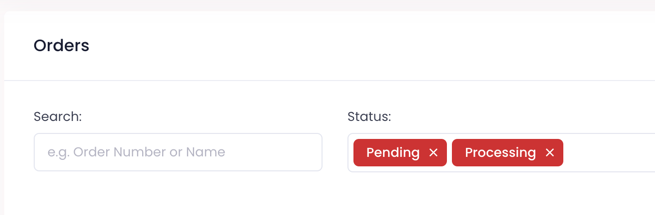
Orders have a status to track their progress. Orders can be Pending, Processing, or Complete. When listing orders at Admin > Store > Orders you can filter by one or more statuses.
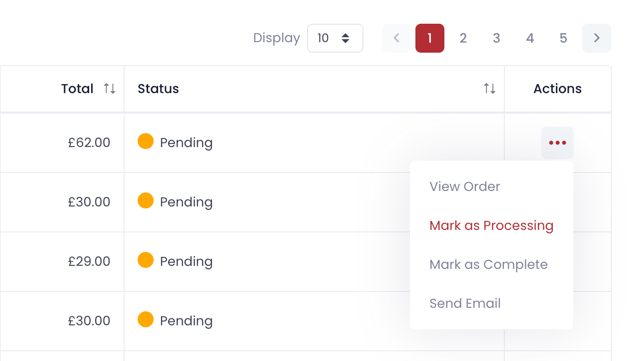
When an order is first placed it will be in the Pending state. The status can be changed from the order overview page or when viewing an order directly.
Order status in the member portal
Members can see the current status of each order from the member portal. The status badge is displayed on both the My Orders list and the individual order detail page, so members can track whether their order is Pending, Processing, or Complete without contacting an admin.