Sessions overview
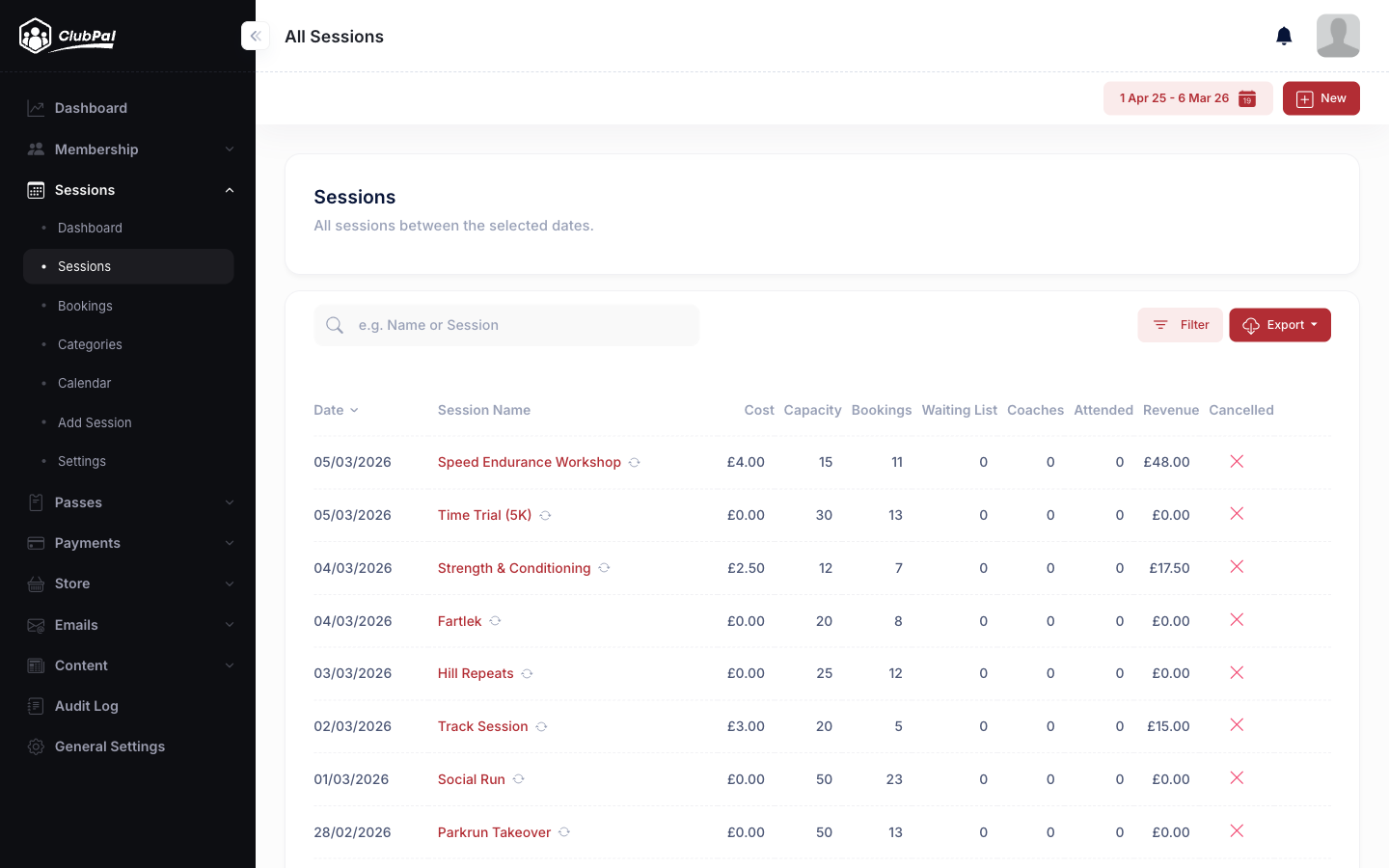
Sessions can be used to create recurring or one-off club events. These might be training sessions, social events, or virtual sessions. Sessions allow you to set capacity limits, enable waiting lists, take payments, or simply provide information to members.
Bookings are automatically tracked and can be reported on from the Admin > Sessions > Bookings page, where you can filter by session, member, date range, or booking type (including coaches).
In this section
- Creating sessions - Learn how to create and configure sessions
- Session options - Club-wide session settings and defaults
- Editing sessions - How to modify existing sessions, including recurring ones
- Cancelling sessions - Cancel single or recurring sessions
- Booking sessions - How members book, payment methods, and form fields
- Swapping bookings - Move a booking to a different session instead of cancelling and rebooking
- Waiting lists - How waiting lists work (enabled by default)
- Coaches - Managing coach bookings and reporting
- Passes - Allow members to purchase multi-session access